Wabash County Warrant Search
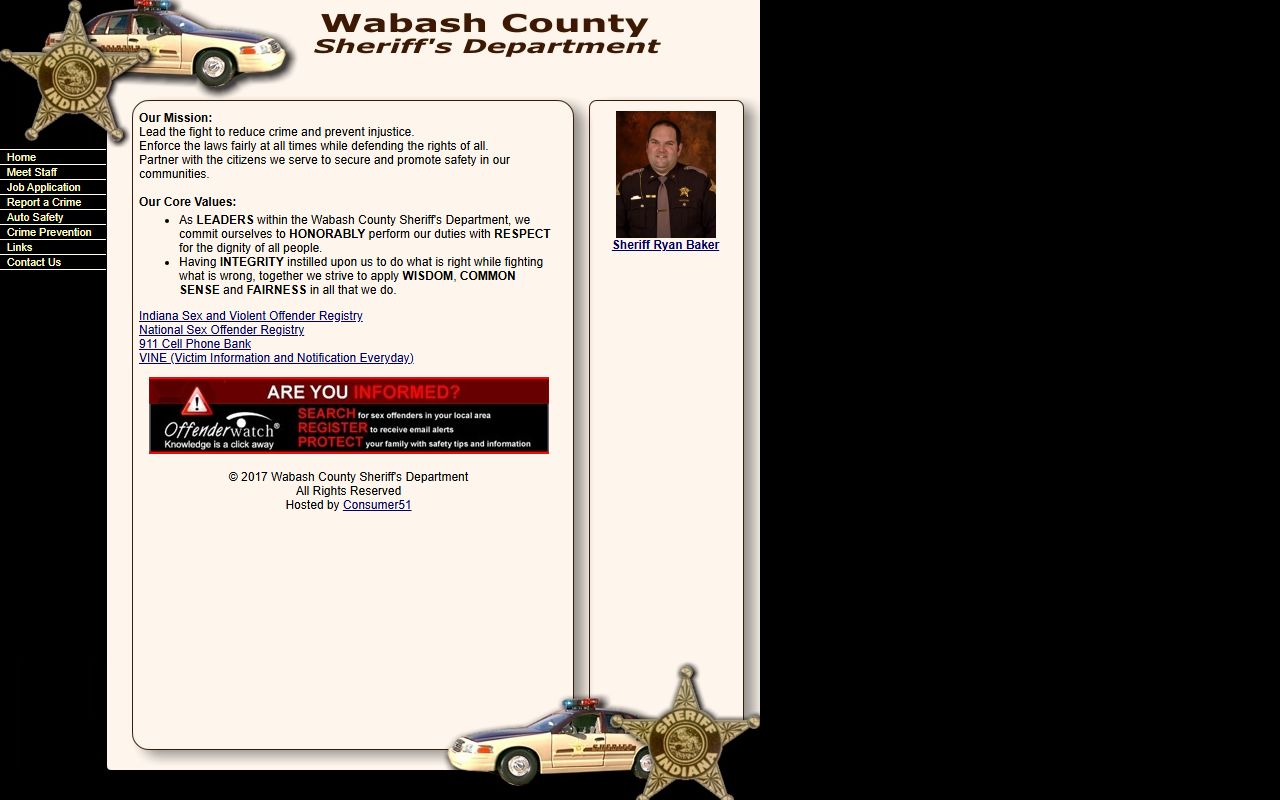
No official online Wabash County active warrant search or most-wanted list was located on the Wabash County Sheriff's Department site or Wabash County government pages. That changes the search order. Start with the sheriff for current law-enforcement warrant or custody questions, use Indiana MyCase for public court events, ask the Wabash County Clerk for court-issued warrant documents in a case file, and contact Wabash City Court for city ordinance or city-court bench matters.
The Wabash County Clerk states that the office issues court documents, including arrest warrants, commitments, protective orders, service of process, and writs. That does not make the clerk a live warrant database, but it does make the clerk the official copy source for warrant paperwork that is part of a public court file. MyCase can show failure-to-appear events, bonds, case status, and public chronological case summary entries. It should not be treated as a complete warrant list.
- Search Indiana MyCase by name, case number, or citation number for public court events.
- Call the Wabash County Sheriff's Department at (260) 563-8891 if current warrant status or custody is at issue.
- Contact the Wabash County Clerk for warrant documents that are part of a court case file.
- Call Wabash City Court for city ordinance cases or city-court bench warrants.
Note: A public court event can be useful, but only the responsible court or law-enforcement office can confirm current status.
Wabash County Warrant Contacts
The sheriff is the practical first call when the issue is immediate arrest risk, custody, surrender, or whether a warrant is still active. The sheriff's official contact page lists the office at 1301 Manchester Avenue, Wabash, Indiana 46992, phone (260) 563-8891, fax (260) 569-9662, and email ryanb@wcsd.us. The staff page names Sheriff Ryan Baker and Chief Deputy Tyler Guenin.
The Wabash County Sheriff's contact page gives the law-enforcement office address and phone number used for warrant and custody questions. Use that source before relying on search results from non-official sites.
Wabash County Sheriff's Department
1301 Manchester Avenue
Wabash, IN 46992
(260) 563-8891
Fax: (260) 569-9662
Wabash County Clerk
69 W Hill Street, first floor
Wabash, IN 46992
(260) 563-0661
Records email: wabashcourtrecords@wabashcounty.in.gov
Wabash County Warrant Types
Wabash County warrant records are tied to the court or law-enforcement action that created them. A warrant may come from a new criminal case, a missed court date, a probation matter, contempt, failure to pay, or a search order. The public access path depends on what type of warrant exists and whether the record is public.
- Arrest warrant means a court order authorizing an arrest in connection with an alleged offense or pending case.
- Bench warrant is issued by a judge, often after a missed hearing, unpaid court obligation, contempt, or failure to comply.
- Search warrant authorizes a search and may remain sealed while an investigation is active.
- Capias is a warrant-like order requiring a person to be brought before the court.
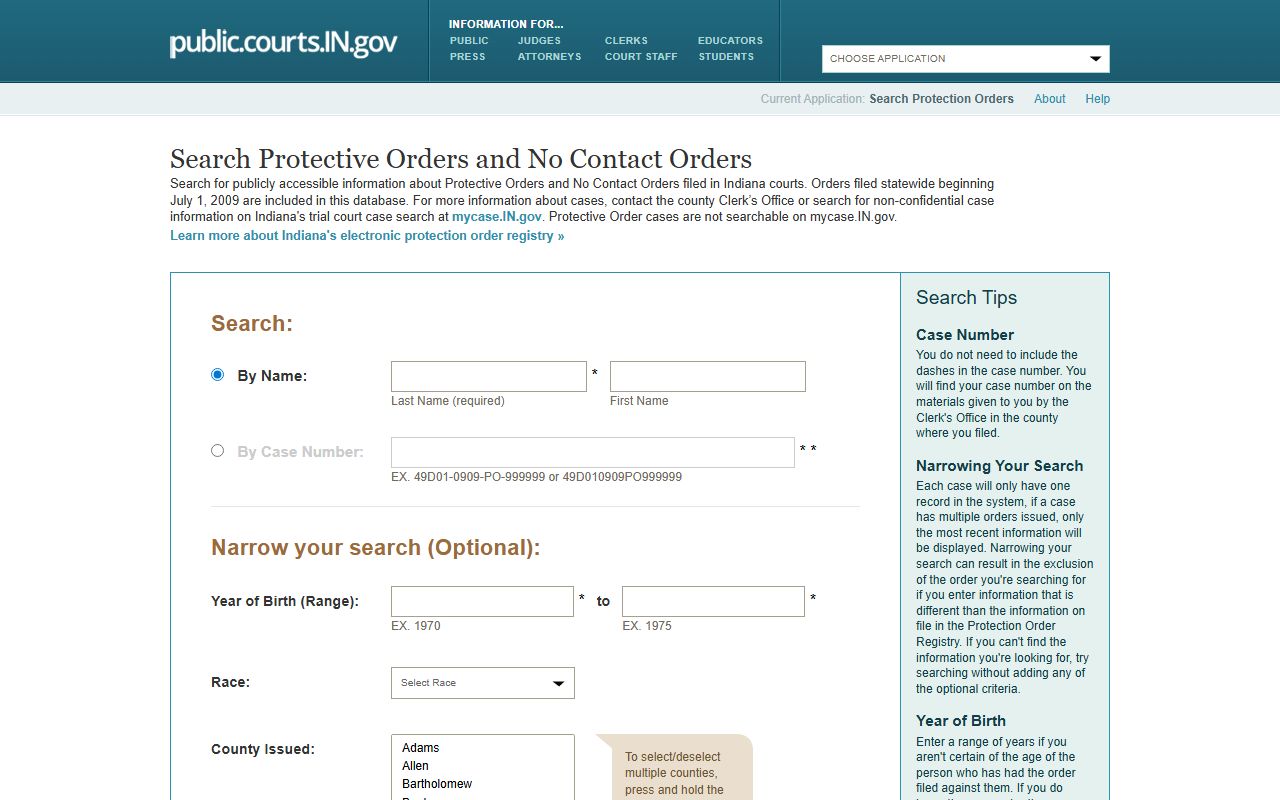
- Protective order related entries may be searched through Indiana's separate public protection order registry when public.
The Indiana public protection order registry is separate from an ordinary warrant lookup. It is relevant when the public question involves protective or no-contact order status rather than an arrest warrant.
Wabash County Warrant Fields
Because Wabash County does not publish a dedicated warrant search form, the useful fields come from the channels that can confirm related public information. MyCase supports case, citation, cross-reference, party-name, attorney, court, case-category, status, and filing-date filters. The sheriff and clerk may need enough identity and case detail to avoid confusing people with similar names.
| Channel | Field | Type | Use |
|---|---|---|---|
| MyCase | Case Number | Text | Direct lookup when the court case number is known. |
| MyCase | Citation Number | Text | Useful for traffic or infraction matters that may have missed-court entries. |
| MyCase | Last, first, middle name | Text | Name search with filters for Wabash County courts. |
| MyCase | Date of birth | Date | Narrows the search but does not display in public case details. |
| Sheriff | Person and case details | Phone inquiry | Used for current custody or active warrant questions. |
| Clerk | Names, years, record type | Written request | Used for copies of court-file documents and older record research. |
What Wabash Warrant Records Show
A public Wabash County warrant record may be only one part of a larger case. The record might appear as a chronological case summary event, a bond entry, a failure-to-appear notation, or a court order. If a document is public but not downloadable through MyCase, the clerk is the official copy channel. Sealed warrants, juvenile matters, investigative material, and sensitive victim or witness data may be absent from public results.
| Field | What It Shows |
|---|---|
| Case number and court | The Wabash Circuit, Superior, or City Court case tied to the warrant event. |
| Party or defendant name | The person connected to the public case entry. |
| Warrant-related event | A public CCS entry such as failure to appear, warrant issued, or warrant recalled if shown. |
| Charge or citation | The offense, citation, or case type linked to the warrant issue. |
| Bond amount or status | Bond terms when entered and public in the case record. |
| Status after resolution | Disposition, recall, hearing, or payment update after the court addresses the warrant. |
Wabash City Court Warrants
Wabash City Court is a lower local court, separate from the county trial courts of record. It handles city ordinance violations and civil city-court matters. Its public page lists hearings on Tuesday and Wednesday at 8:45 a.m., a Market Street entrance, and payment options for City Court matters. A missed city-court date or unpaid city-court obligation should be checked with City Court rather than assumed to be resolved through county criminal records alone.
The city court can matter in a Wabash County warrant search because a bench warrant may arise from failure to appear in a lower-court case. If MyCase shows Wabash City Court, or if the underlying matter is a city ordinance case, call the court at (260) 563-4946 before going to the wrong office.
Resolve Wabash County Warrants
Do not assume a Wabash County warrant has been cleared just because a payment was made, a hearing was reset, or a web result looks old. The court may need to recall the warrant, the clerk may need to enter an update, law enforcement may need to receive the recall, and BMV records may need separate attention if the issue involved failure to appear or failure to pay on a traffic matter.
- Identify the court and case number in MyCase or from the notice.
- Call the sheriff if there is an immediate risk of arrest or custody.
- Contact the court or clerk listed on the case for hearing, bond, and document questions.
- For City Court matters, use the City Court phone and payment rules.
- Talk with an attorney before appearing on a criminal charge, probation violation, or warrant with possible arrest.
- After the warrant is addressed, confirm the case, sheriff, and any BMV failure-to-appear or failure-to-pay status have updated.
Important: A person facing arrest, probation issues, or a criminal warrant should get legal advice before appearing in court or at the jail.
Wabash Sheriff Tips
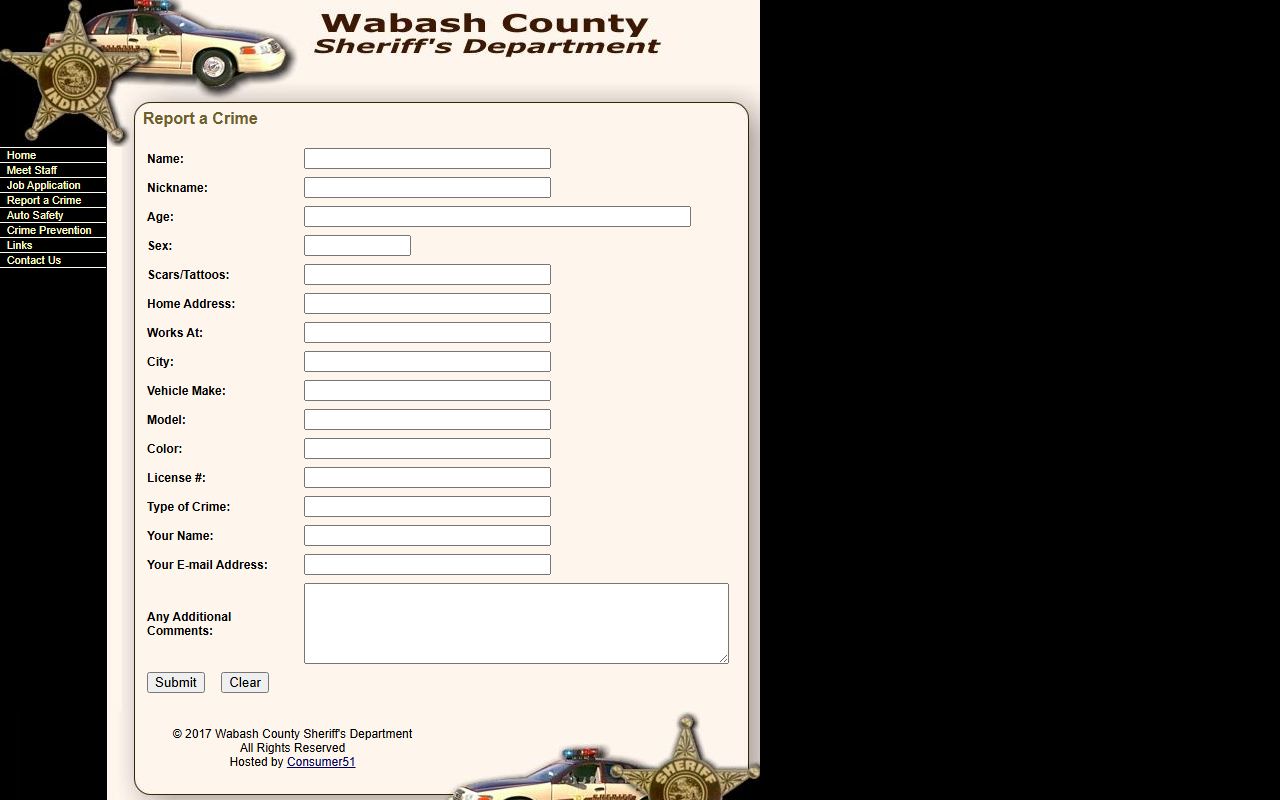
The Sheriff's Report a Crime form is a tip and report form, not a Wabash County warrant search. It asks for suspect or person details such as name, nickname, age, sex, scars or tattoos, home address, workplace, vehicle description, license number, type of crime, reporter name, email, and comments. It can support public-safety reporting, but it does not confirm whether a warrant exists.
The Wabash County Sheriff IN mobile app is documented on iOS and Google Play as an official sheriff communication tool for tips, crime reporting, interactive features, and public safety information. The app listings do not confirm an app-only warrant lookup, so the app should not replace a direct warrant-status call.
Restricted Wabash Warrant Records
Some Wabash County warrant records are not public. Indiana court access rules exclude sealed and confidential records, and juvenile matters have separate confidentiality laws. Search warrants may be sealed while an investigation is active. Public MyCase results can also omit sensitive personal information, victim or witness data, and documents barred by court rule or order.
The Wabash County Sheriff's Department home page is a starting point for law-enforcement contact, not a full records portal. If a warrant event cannot be found through public court records, that may mean no public entry exists, the wrong court was searched, the case is restricted, or the status needs direct confirmation.